
Name-Based Case Searches
Criminal lookups run through the eClerks Criminal Search. Enter a last name first. From there you can add a first name. You can also add a filing-date range and a Grant Parish filter. Civil, probate, marriage, and land index material from participating parishes goes through the statewide or parish eClerks route instead. Cast the net wide at first, since spellings vary. Then tighten it by date, parish, case number, document number, or caption.
A shared name alone proves nothing. Before ordering a copy, check the court. Check the case number, the filing date, the charge or document type, and the party role too. Criminal results can display birth date, sex, and race. Use those fields only to tell people apart, and only for a lawful request.
- Identify the court named on the notice, citation, or caption.
- Choose the criminal or civil-index eClerks route.
- Search the name with a date range and Grant Parish or document-set filter.
- Keep the case number or document identifier from a plausible result.
- Ask the court or Clerk for the specific record, setting, or copy needed.
Grant Parish Criminal Case Fields
The criminal eClerks screen asks for a Last Name, First Name, From Date, To Date, and parish checkboxes. Results can list the defendant, birth date, sex, and race. They also cover case, date filed, charges, arrest date, parish, and an Alert control. Open a case and you may also get charge and statute details, clerk contact information, and dated minute text. Keep the limits in mind. This is a statewide layer for qualifying criminal cases. It is not a search of every Grant Parish file across all years.
| Criminal field | Reason to use it | Care point |
|---|---|---|
| Last and first name | Find a potential case | Try spelling variants. |
| From / To date | Reduce unrelated results | Does not establish coverage. |
| Grant Parish | Local routing | Does not include municipal or traffic matters by default. |
| Case and date filed | Best result confirmation | Use both when contacting the Clerk. |
| Minute details | See dated procedural text | Not a complete court file or transcript. |
The official criminal-search route is shown in this Grant Parish case-search image.
The criminal search is one layer of access. Records it does not return online need confirmation from the Clerk.
Case Number Searches
A case number beats a common name every time. It identifies a court file precisely. That makes it the best handoff to the office holding the record. Grant Parish does not publish one fixed numbering pattern. So copy the number exactly as it appears on your notice, docket PDF, citation, or prior Clerk record. A placeholder like case-number-as-listed is just a label, not a local format claim.
Always pair the number with the court and case type. A 35th JDC criminal or civil number routes differently than a municipal citation number. It also differs from a JP case reference, a Third Circuit appellate number, or a federal case number. Only the caption? Add the approximate filing or hearing date and the item you want. The Clerk can then tell whether the record is filed locally.
Grant Parish Civil Case Fields
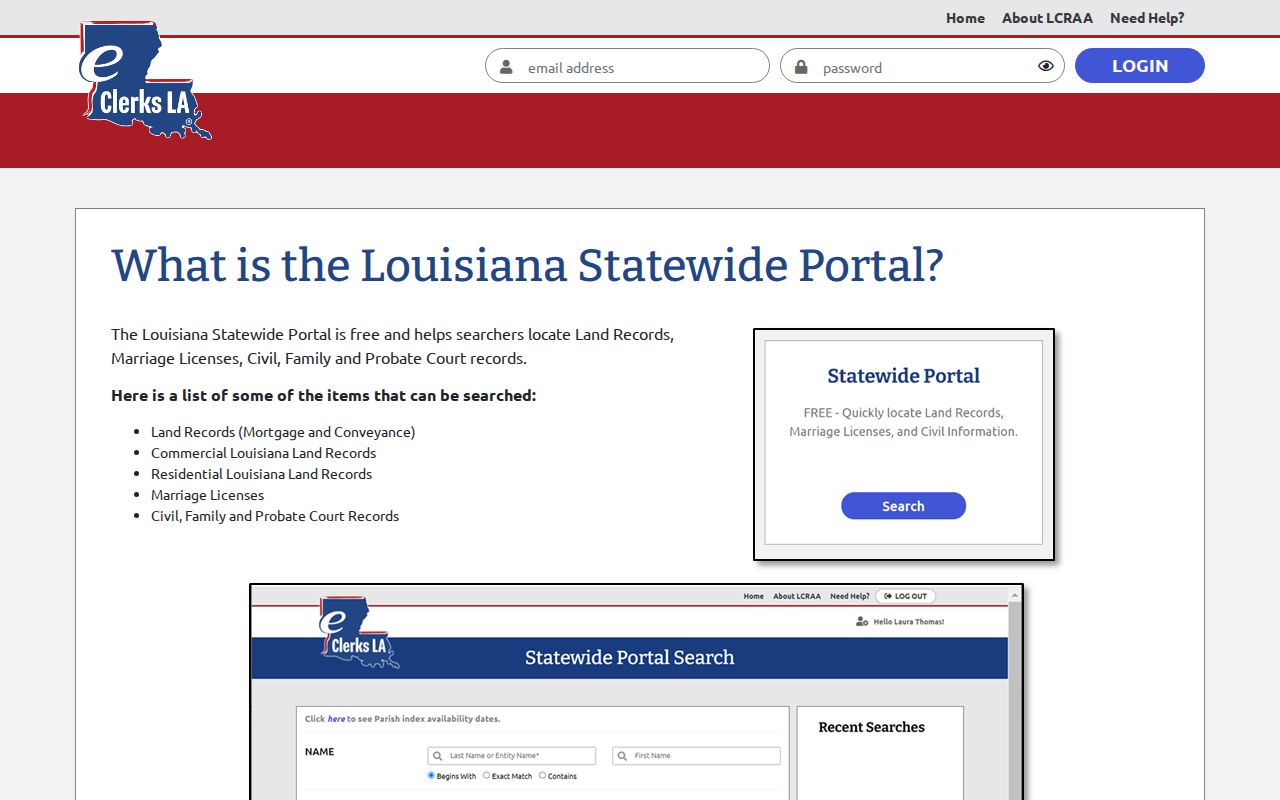
The statewide eClerks portal searches by last or entity name, with an optional first name and Begins With, Exact Match, or Contains modes. You can also set date ranges and pick Land, Marriage, or Civil document sets. Results may show date, document set, type, number, parties, document type, description, and parish. A parish module can add Alpha Search, Date/Alpha Search, instrument number, book/page lookups, facets, and an image purchase flow.
Match the search to the record. Probate material works best with a decedent name and succession caption; conveyance-style records respond to an instrument or book/page reference. An index hit is only an identifier, not a promise of an image. Coverage, subscriptions, fees, and confidentiality rules all vary by parish and document type. The official statewide portal page lays out how that system works.
Use the statewide index to identify a supported record first. Then ask the Clerk for the file, image, or certification.
Case Search Results Explained
Think of a result as a pointer, not the record itself. Each field below explains why a search can return useful details yet still miss documents a person expects. Read every field with the record type and the court in mind.
| Case or document number | The identifier to quote when asking a custodian for a copy or status. |
|---|---|
| Date filed | When the listed matter or document entered the record. |
| Parties / caption | The names or style used to distinguish the file. |
| Charge / document type | The kind of criminal allegation or civil record returned. |
| Minute text / description | A brief dated event or index description, not necessarily the full filing. |
| Image availability | Whether a module indicates an image path, not whether it is a certified copy. |
A 35th JDC calendar PDF may list a setting and case style. eClerks may show a qualifying criminal minute or a civil index entry. The Clerk holds the true district-court record route, so confirm any result with the matching court before relying on it.
Grant Parish Case Search Scope
Grant Parish offers no single public form that searches the full civil, criminal, and traffic docket at once. The system is layered instead. eClerks Criminal Search covers qualifying criminal cases and minute entries. Statewide or parish eClerks handles supported civil, probate, marriage, and land modules. The official 35th JDC PDF lists upcoming settings. The Grant Parish Clerk supplies copies, certifications, historical minutes, traffic files, and anything not returned online.
That division matters most when a name search comes back empty. The case may fall outside the coverage years. Or it may sit in municipal court, a JP court, traffic court, or a juvenile division. It could be sealed, restricted, or indexed under a different name. Repeating the same search will not answer a custody question. Identify the court first, then use the route that fits it.
Two Ways to Search: County and State
Statewide and parish eClerks searches are siblings, not twins. The statewide portal is a free index and search layer across participating parishes. A parish search may require a subscription. It may offer a more specialized field set, or charge for document images. Electronic filing runs on a separate track entirely: Louisiana eFiling sends filers to parish and provider instructions, and it is not a public search.
| Route | Useful for | Availability |
|---|---|---|
| eClerks Criminal Search | Qualifying Louisiana criminal records and minute entries | Public search; statutory, court, and record-type limits apply. |
| Statewide eClerks | Civil, family, probate, marriage, and land indexes in participating modules | Free index/search; images can require purchase. |
| Parish eClerks | Parish-specific index and image functions | Subscription or purchase can apply; coverage varies. |
| Louisiana eFiling | Filer/provider routing | Not a public docket search. |
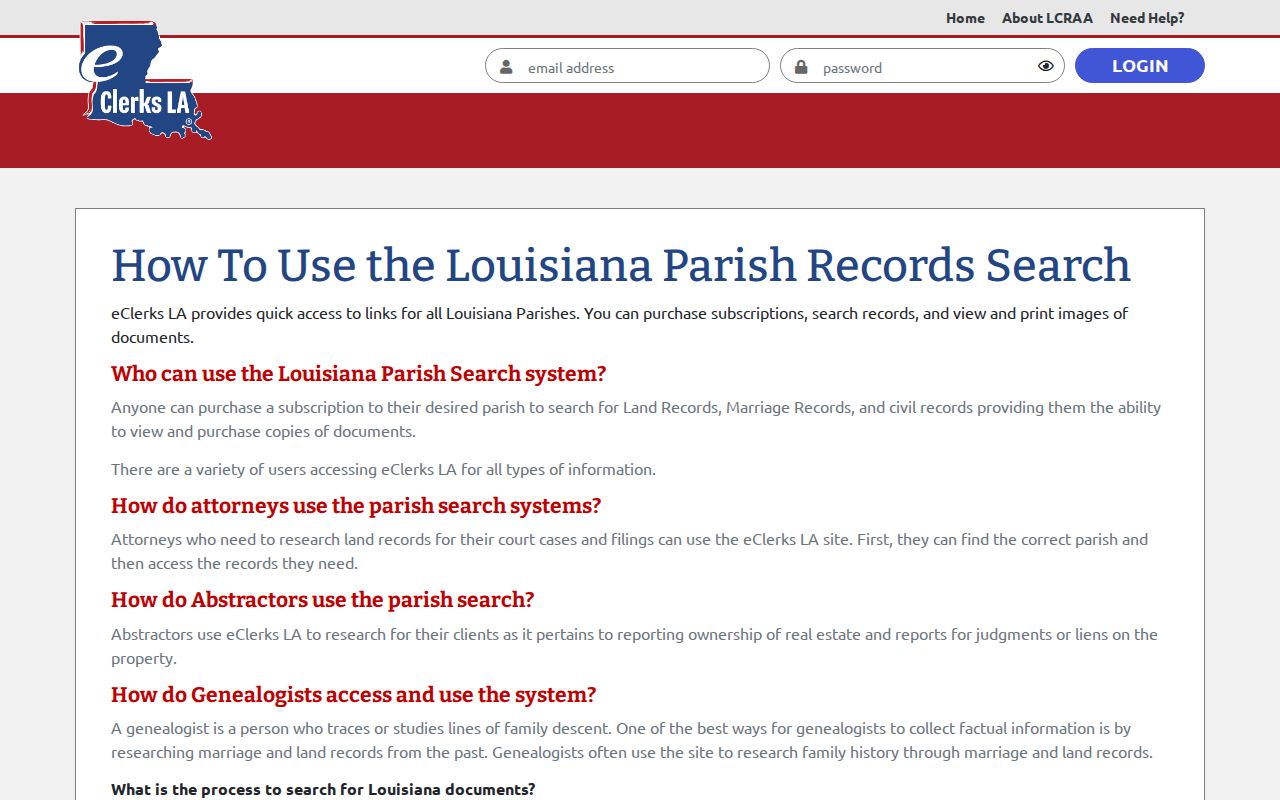
The official parish-search explanation is shown in this Grant Parish case-search image.
Parish tools can add useful fields and image paths. Confirm the correct module and the fee rules before treating any result as a copy.
Which Cases Stay Restricted
Juvenile and adoption records are confidential. The Grant Clerk's published department information says a valid court order is required for viewing. Other limits apply too, covering sealed cases, protected identifiers, exhibits, registry funds, and records under a court order. A missing electronic result can reflect a legal restriction. The file may still exist at the courthouse. Contact the office for that specific court. Ask what authorization or record request it requires, and name the case, the event date, and the exact item. Search results can carry personal details. Never repeat them, and never treat a returned charge or docket entry as a finding about a person.
Grant Parish Municipal Case Search
Mayor's Courts and other municipal channels handle local ordinance and traffic matters in Grant Parish towns. Start with the citation itself. It should name the town, the ordinance or statute, the court date, the citation number, and how to pay or appear. Calling the town's citation clerk, Mayor's Court contact, or municipal office named on the notice still matters. Pollock runs a separate citation department with an online payment link. Georgetown links a QuickCourt traffic-fine path. Those are local examples, not a parishwide case-search service. Treat municipal payment records, council minutes, and district-court dockets as separate court registers. Never treat them as interchangeable ones.
Grant Parish JP Case Search
Grant Parish has five justice-of-the-peace districts. Pin down the district from your precinct or address. Then call the judge's office. Ask about filing location, hours, service, fees, hearing dates, and copy procedure. The Attorney General's official directory searches by title and parish and returns each judge's name, position, parish, jurisdiction, phone, and warrant-certification status. It is a directory, though, not a docket search. The Police Jury lists local JP contacts as well. No unified public Grant Parish JP case portal exists, so the phone still does the work. A JP case is not a 35th JDC case unless the record confirms an appeal or transfer, and the JP route matters most for the limited civil jurisdiction those courts hold.
Grant Parish Appeal and Federal Search
Appeals from the 35th JDC go to the Louisiana Court of Appeal, Third Circuit. That court serves Grant Parish. It posts opinions, rules, forms, notices, and hearing materials. An appellate search works best with the appellate number if you have it, plus the lower-court number, caption, notice or order date, and filing date. None of that replaces the trial-court docket. Federal cases from Grant Parish belong to the Western District of Louisiana, Alexandria Division. PACER and CM-ECF provide the official federal docket. Ask about the Alexandria public terminal for non-sealed material. CourtListener or RECAP can surface public copies, but PACER stays authoritative, and restricted documents stay off limits.
Grant Parish Case Search Next Steps
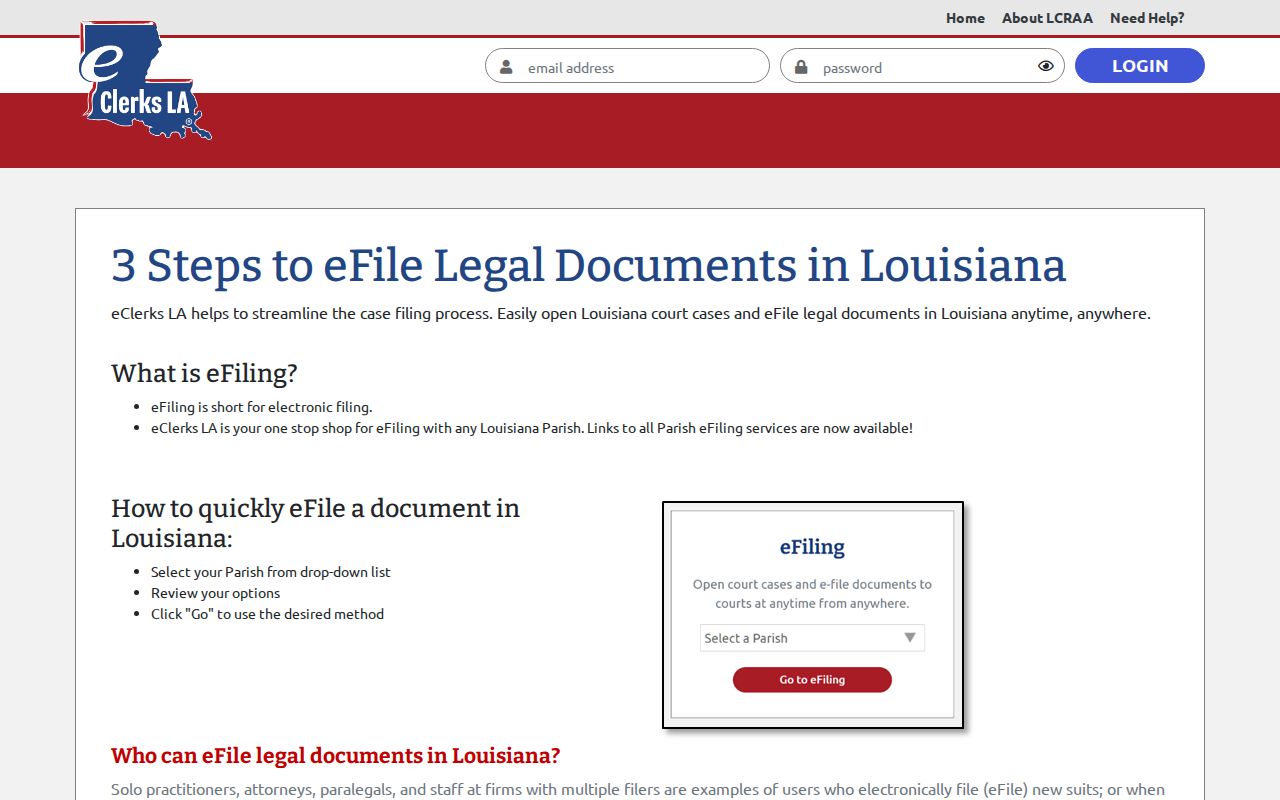
A failed search is not the end. Write down what you already know: the court, the full name and its spelling variants, the case or citation number, the filing or hearing date, the case type, and the document you want. Then take it to the right office. The Grant Parish Clerk handles district-court routing. Call the named municipality for a citation and the relevant justice of the peace for a JP matter. Use the Third Circuit or PACER only after transfer. For electronic filing, the Louisiana eFiling routing page explains where filings route across the state's courts.
Filing access and public lookup are two different functions. Finding a case record means returning to the right search or Clerk channel.